



Foresight AI Chat
Foresight Chat lets you interact with Gremlin using natural language. It has the same level of access to your Gremlin environment that you do, as well as the ability to run reliability tests and make REST API calls. You can ask Foresight Chat questions such as:
- What’s my team’s overall reliability score?
- Which of my services have the most open risks, and how do I fix them?
- Which tests should I prioritize running next?
- Run a zone redundancy test on service (service name).
- Create a heatmap report of my lowest-scoring services.
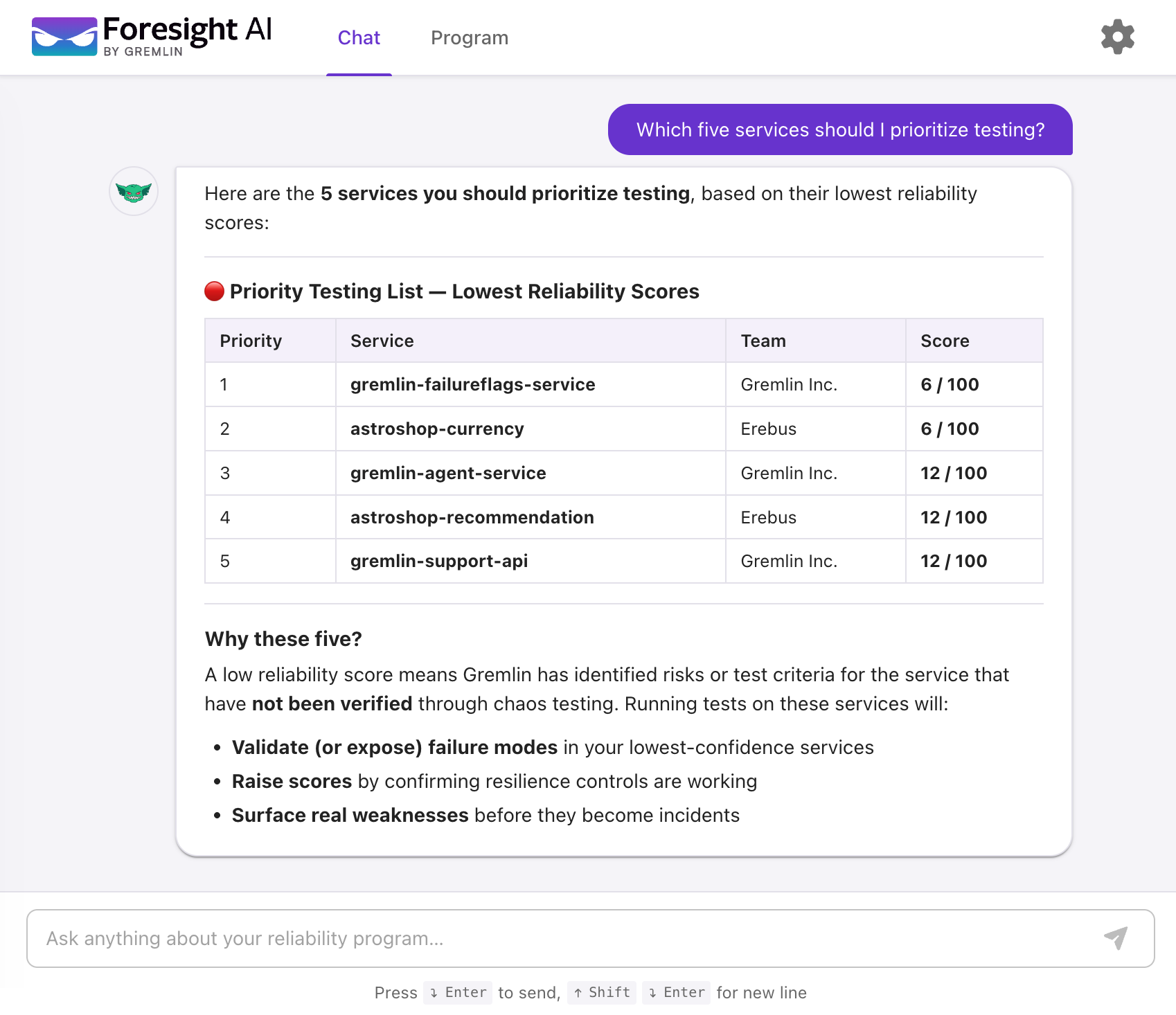
How to use Foresight Chat
- Log into Gremlin Foresight at https://gremlin.ai/login
- To switch your team, click on the gear icon in the top-right corner of the screen, click Switch Team, and select the team you wish to switch to.
- Select Chat from the top nav bar.
- Enter your query in the text box. Alternatively, you can click on one of the suggested queries, such as “What’s our overall reliability score?”
Creating dashboards with Foresight Chat
You can create custom reusable dashboards and reports with Foresight Chat. To learn more, see Foresight AI Dashboards.